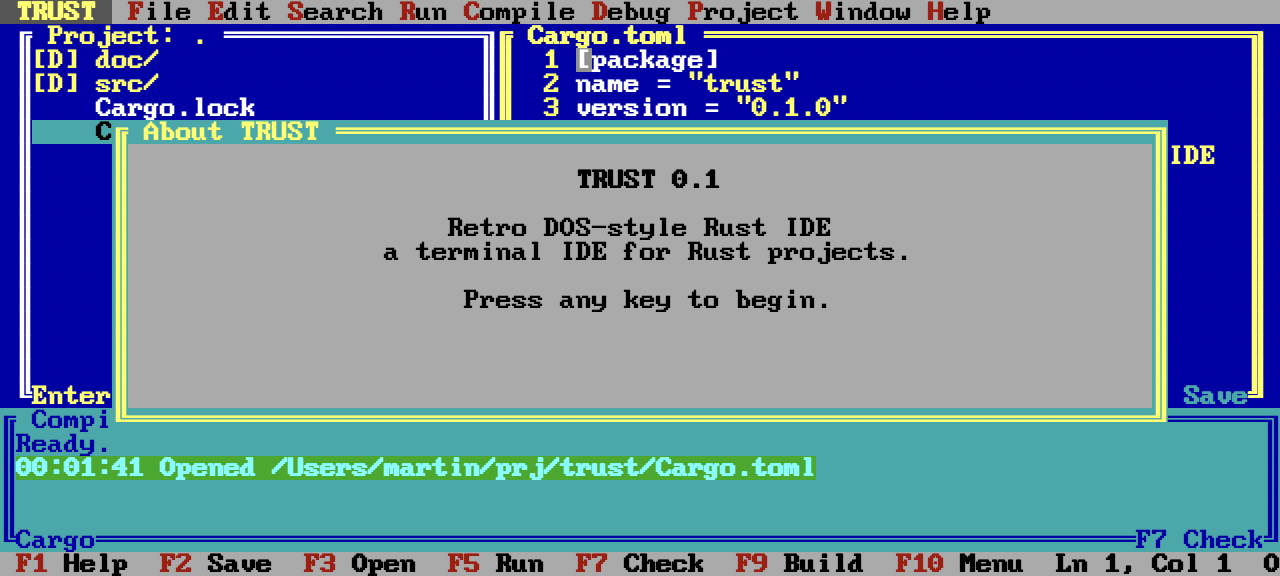
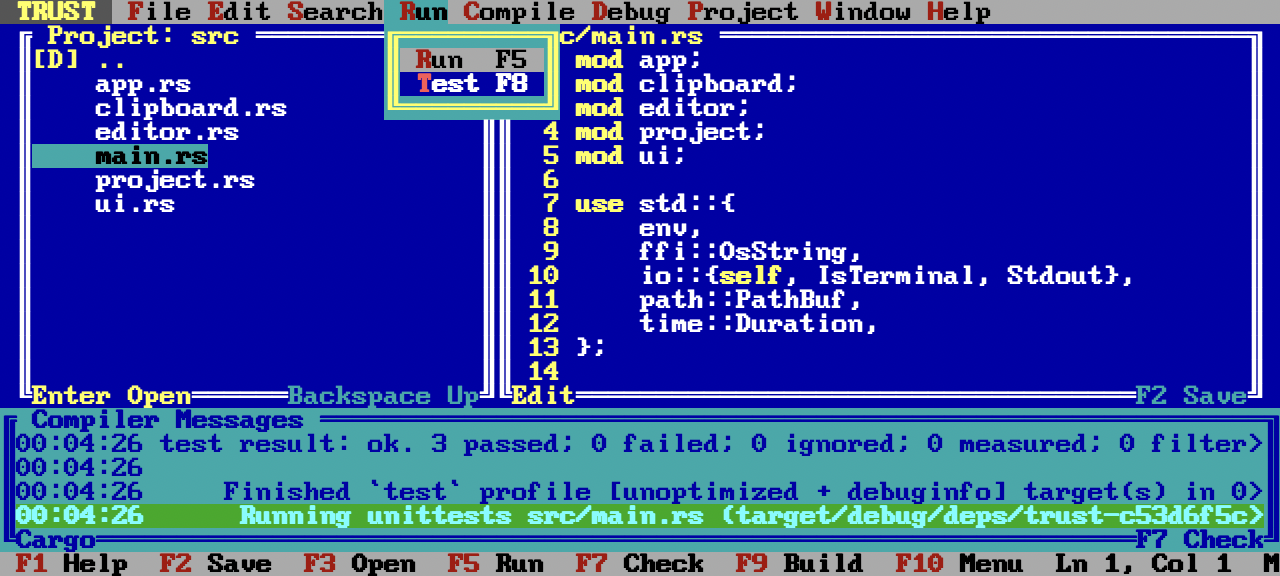
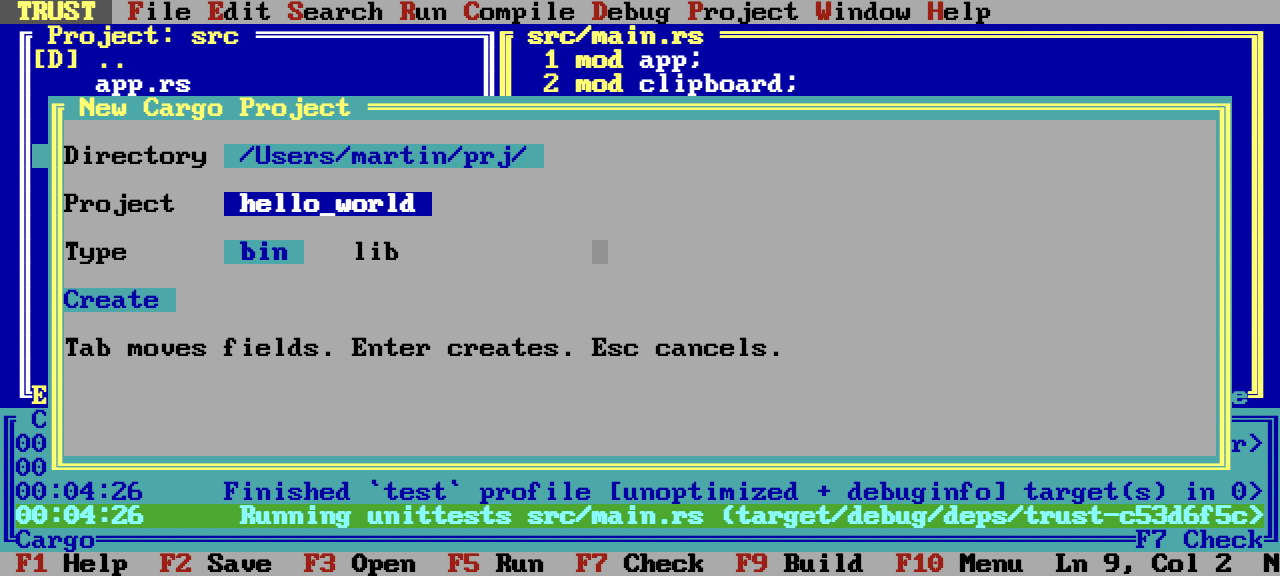
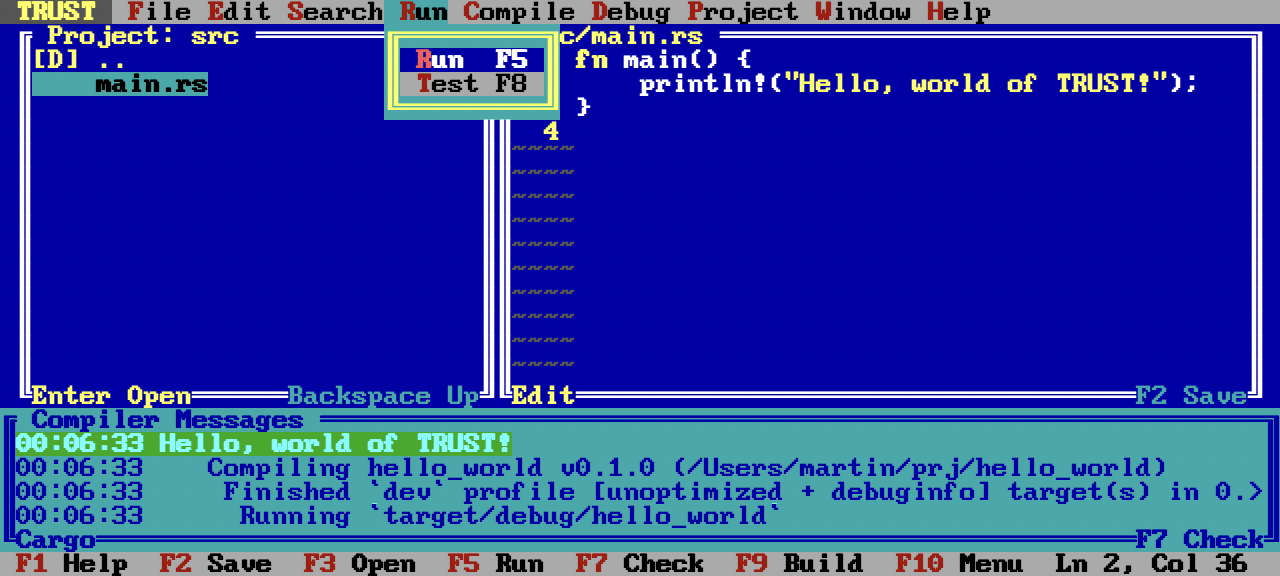
Source Code on GitHub: https://github.com/wojtczyk/trust
You never know when something gets picked up on Hacker News. Thank you!

Source Code on GitHub: https://github.com/wojtczyk/trust
You never know when something gets picked up on Hacker News. Thank you!
https://github.com/wojtczyk/game-art-generator
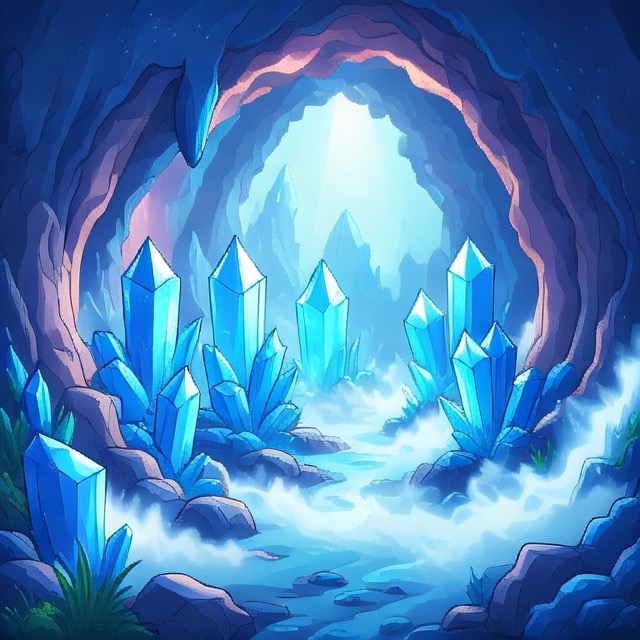
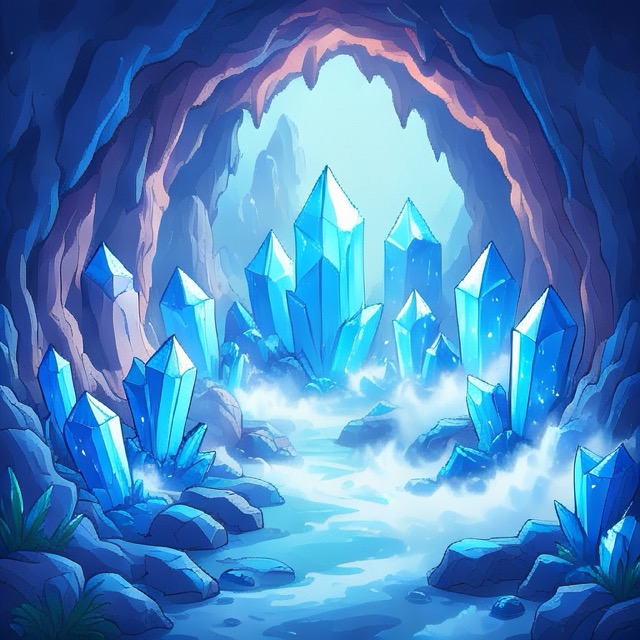
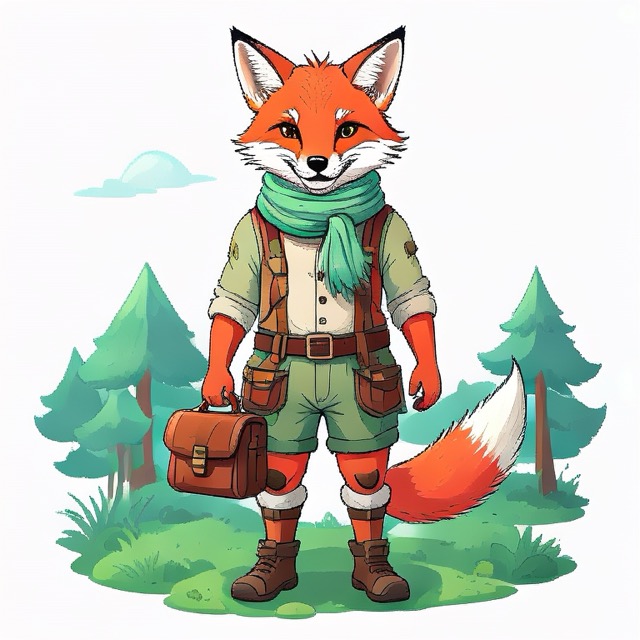
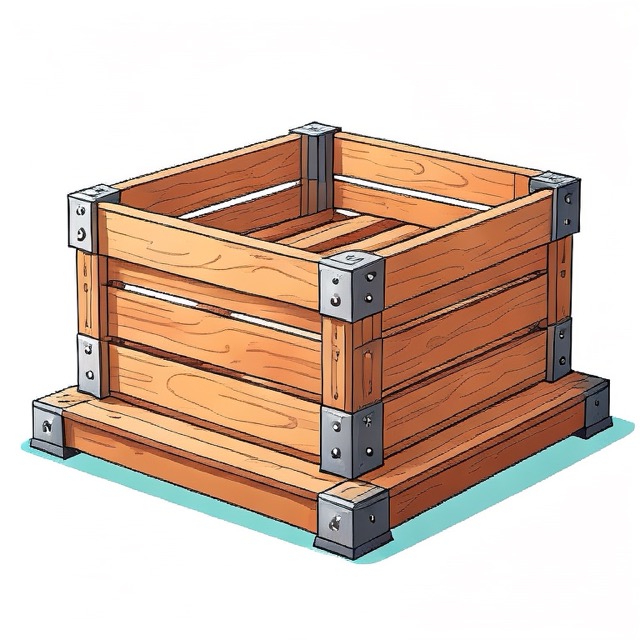
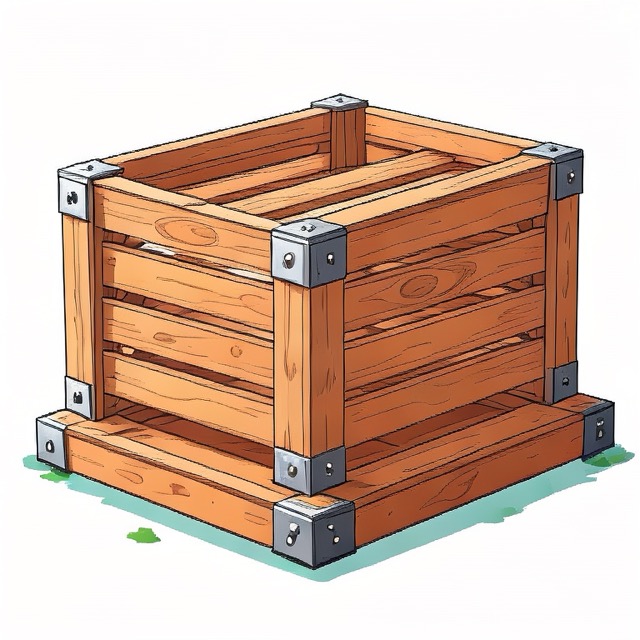
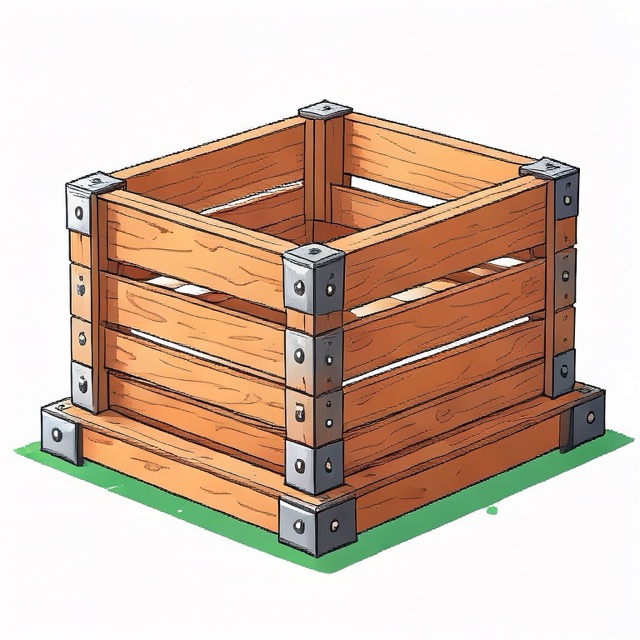
Sample images created in one go by scripting Image Playground.
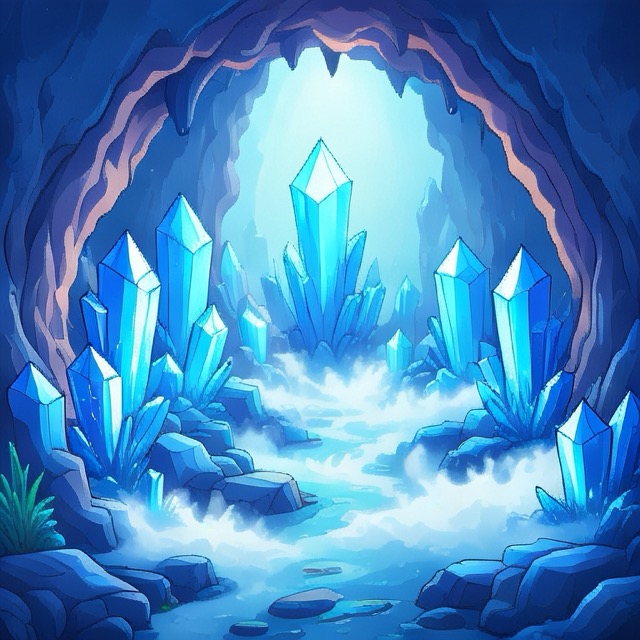

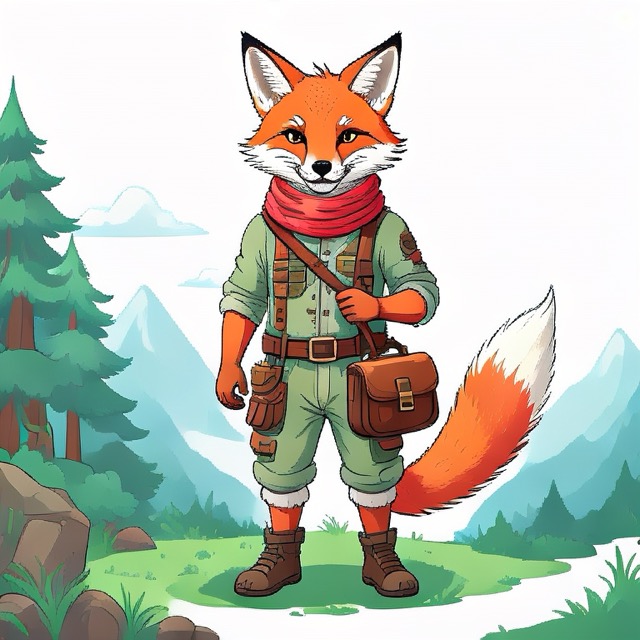
I like agentic coding. All you need is an idea… and some technical understanding to course-correct, when the agent wanders off. I have never been short on ideas, but rather short on time to implement and execute on every one of those.
When I was ~14, we got our first computer – an IBM PC compatible with VGA graphics running MS-DOS. We had three games: a racing game, a point and click adventure, and I forgot what the third was. Maybe we had just two. Anyways, I enjoyed playing them. I got good at playing them. I wonder if my parents worried that I played too much.
However after a while I was really curious how games are made and I wanted to make my own. This is what got me into programming. My older brother had a programming class at school in Turbo Pascal. I wanted to learn from him everything he learned. I made my first game and sold one copy to a friend for 1 Deutsche Mark. Mission accomplished.
In the meantime I went to college, studied computer science, worked on sensor guided and ML enabled robots for most of my professional life and here I am on a Friday evening with a ChatGPT Plus subscription for $20 and a ten year old game idea popping back into my head. “Well, you better do it – now”.
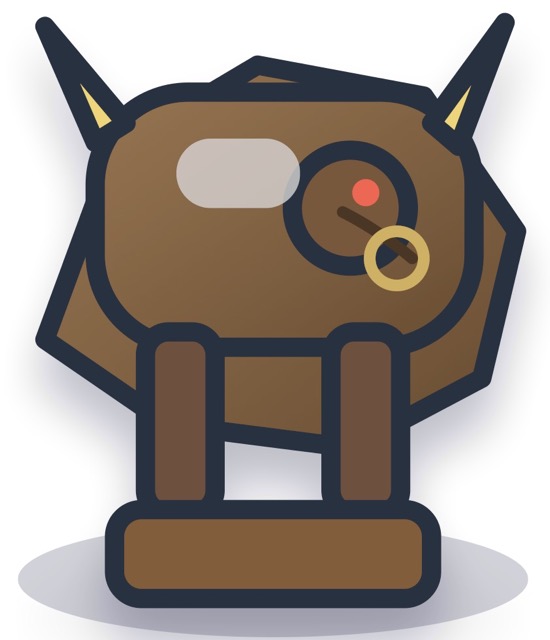
Within two hours I had a playable prototype on my iPhone. I was pumped. Only the graphics looked… lousy. Codex created a python script, that used Pillow to draw lines into a canvas and save PNGs. “If it creates line art, then have it at least create SVGs”… so shortly after it had SVGs. Still – I felt many of the assets were too abstract and it burned tokens too fast without the results that I wanted. Here for example is the image of a Bull.
I should add: you can add skills or plugins to Codex for image creation. It suggested the Canva plugin and the HuggingFace plugin with an image creation model. But it required to create accounts and add credit cards and I didn’t feel like it.
The next Friday evening – it sounds much worse than it is: having a Friday evening with no plans is wonderful. The next Friday evening I wanted to get back to the game. I recalled my mac has this Image Playground. What if I prompt it to create the game art I need. A few minutes in, I had an illustrated Bull, that looked neat, but had background clutter…
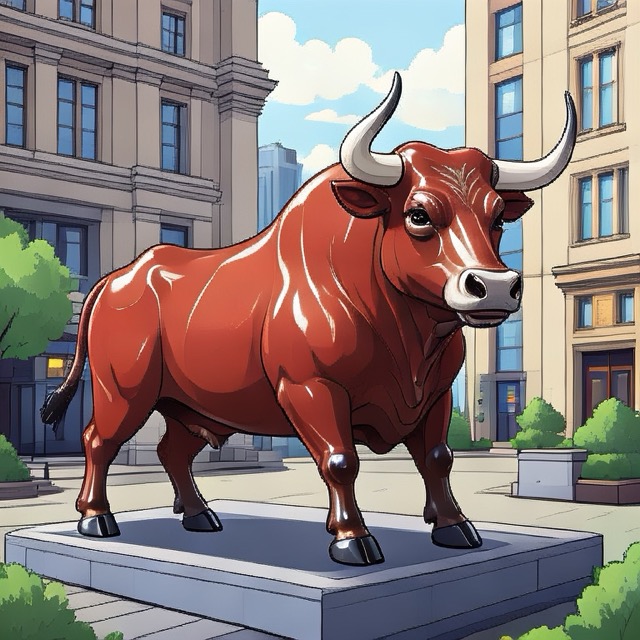
…a few minutes later it was on a white background – easy to cut out as a sprite.
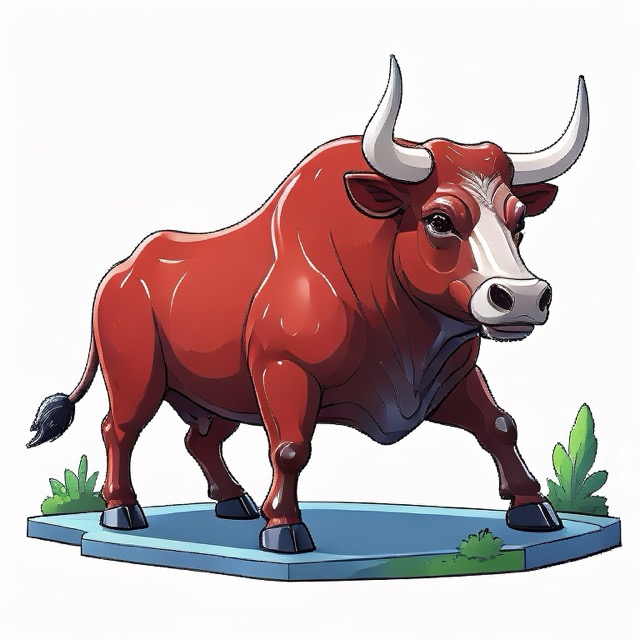
Great – I could use my M1 MacBook with Apple Intelligence and local models to create the game assets I needed for free without burning tokens. The only issue was: at the current stage of the game prototype I already needed 41 game art pieces and I didn’t feel like clicking around and entering the prompts and exporting the images manually. And I knew, there were more to come.
I needed a solution that scales. I went to sleep and woke up thinking about writing an angry blog post that Image Playground should be scriptable. Then I thought: “Check first, if it is scriptable!” – An online search was negative on Apple Script but positive on an Image Playground API. https://developer.apple.com/documentation/ImagePlayground/ImageCreator. “Oh nice! That saves me an angry blog post nobody would care about.”
I wrote up a prompt for codex:
Implement a macos program that uses Image Playground ImageCreator https://developer.apple.com/documentation/ImagePlayground/ImageCreator to generate gameplay artwork. It shall take in as parameters...
Four minutes later with GPT-5.4 Extra High it appeared I had a Swift script that should create the assets, only that it turned out errors:
[1/9] Generating 3 image(s) for backgrounds/forest/day-sky
Image generation failed for backgrounds/forest/day-sky: Image creation is not available when the application is hidden or running in the background.
What followed was a bit back and forth of me executing and pasting the errors, then telling codex to do it itself, codex burning through 60% of my daily token allowance not getting anywhere until I stopped it. I did some research and instructed it to create an application window that gets pushed into the foreground to try to circumvent the issue. Codex changed the code, created a windowed app wrapper and off we go. Assets were created in batch as described in the prompt file and stored in the directory structure as needed. I felt accomplished. 🎉
.build/release/game-art-generator --assets assets/example.txt --style illustration --n 3
Writing artwork to /Users/martin/Projects/codex/game-art-generator/assets/2026-04-19_11.39_example-art-for-review
[1/9] Generating 3 image(s) for backgrounds/forest/day-sky
prompt: "bright forest canopy with soft clouds and layered parallax depth"
created /Users/martin/Projects/codex/game-art-generator/assets/2026-04-19_11.39_example-art-for-review/backgrounds/forest/day-sky-1.png
created /Users/martin/Projects/codex/game-art-generator/assets/2026-04-19_11.39_example-art-for-review/backgrounds/forest/day-sky-2.png
[...]
I was asked if I can turn this into a product. 🦄 “Maybe, but I don’t feel like it. I’d rather just put it on GitHub for others to use if they run into the same issue”. Enjoy!
A prompt can give you a solution within 5 minutes. Then you still need an hour to refine the result. The most difficult part for scripting Image Playground was to realizing that the API needs a foreground window. Probably to justify loading the neural networks and occupying the CPU and GPU.
Overall I am happy with the results of Image Playground. At least happier than with the outputs of Codex. Sometimes you just have to look and you already have what you need and can throw your own compute at it.
Below is the GitHub URL. Instructions on howto build and use it are in the README.md. Maybe it will help someone else out there to create their game or unblock them on their prototype.
https://github.com/wojtczyk/game-art-generator
Some more image variations it created with the example assets file. Now I just need to adapt the prompts in one text file and hope for the best.






How are Rust, C++, and Python trending on Hacker News in the job market?
As a proxy measure for programming language trends, let’s analyze the frequency of programming language mentions in the monthly “Ask HN: Who is hiring?” and “Ask HN: Who wants to be hired?” postings on Hacker News for a few years up until February 2025. Below are the graphs.
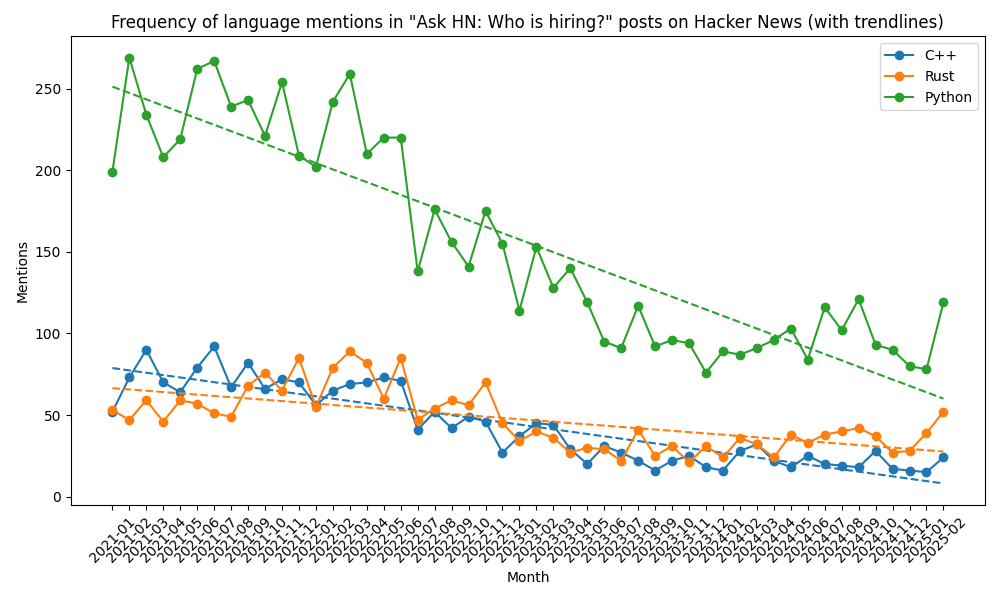
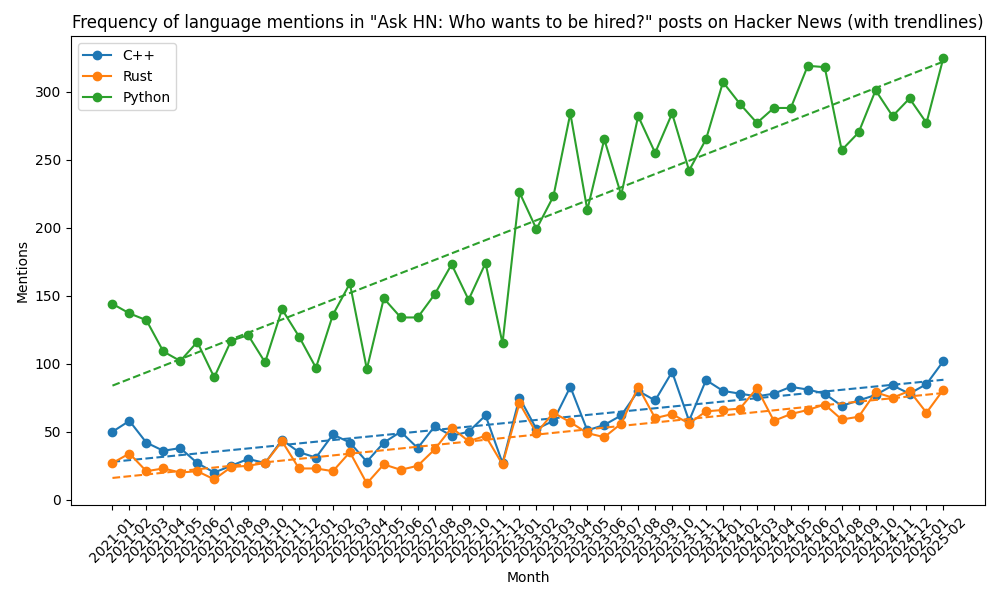
Data as of 2/18/2025 10:00pm PT.
How are Rust, C++, and Python trending on Hacker News in the job market?
As a proxy measure for programming language trends, let’s analyze the frequency of programming language mentions in the monthly “Ask HN: Who is hiring?” and “Ask HN: Who wants to be hired?” postings on Hacker News for a few years up until December 2024. Below are the graphs.
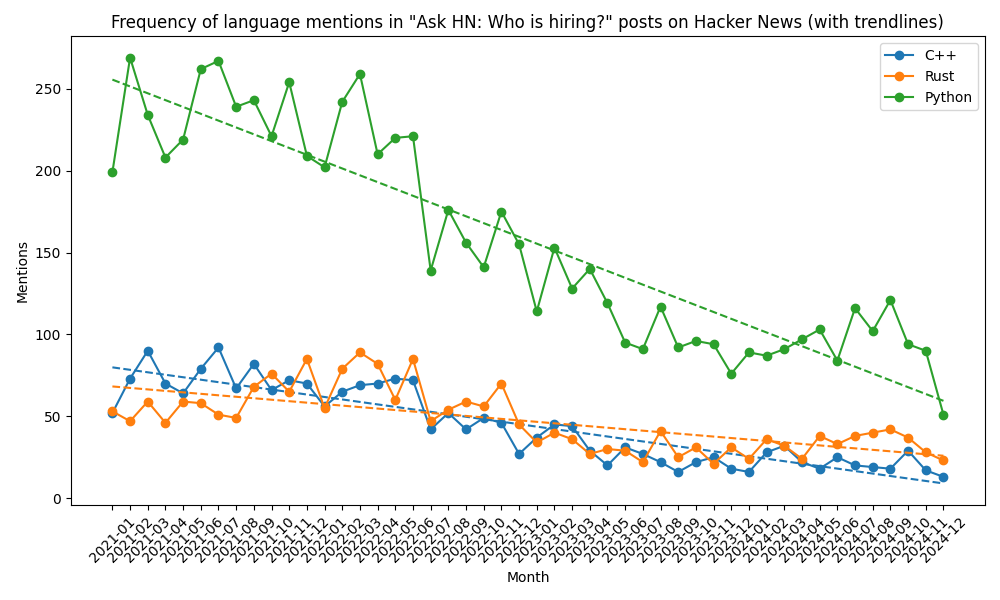
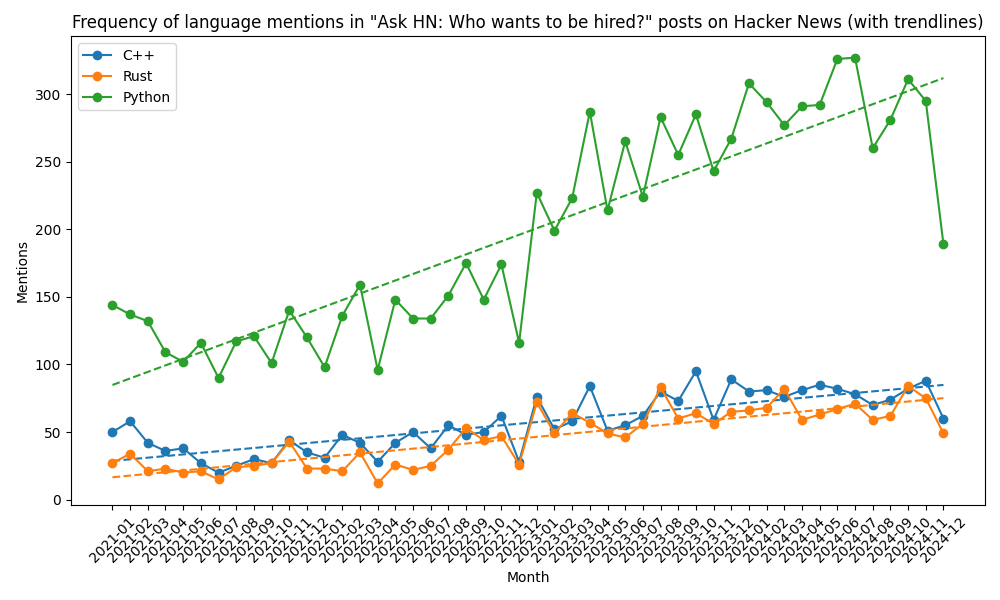
Data as of 3/12/2024 7:00 PT.
After working with Rust for a couple of years now, I was wondering how Rust was trending on Hacker News in comparison to C++ and Python.
As a proxy measure for programming language trends, I thought it might be informative to analyze the frequency of programming language mentions in the monthly “Ask HN: Who is hiring?” and “Ask HN: Who wants to be hired?” postings on Hacker News for a few years. Let’s see the graphs.
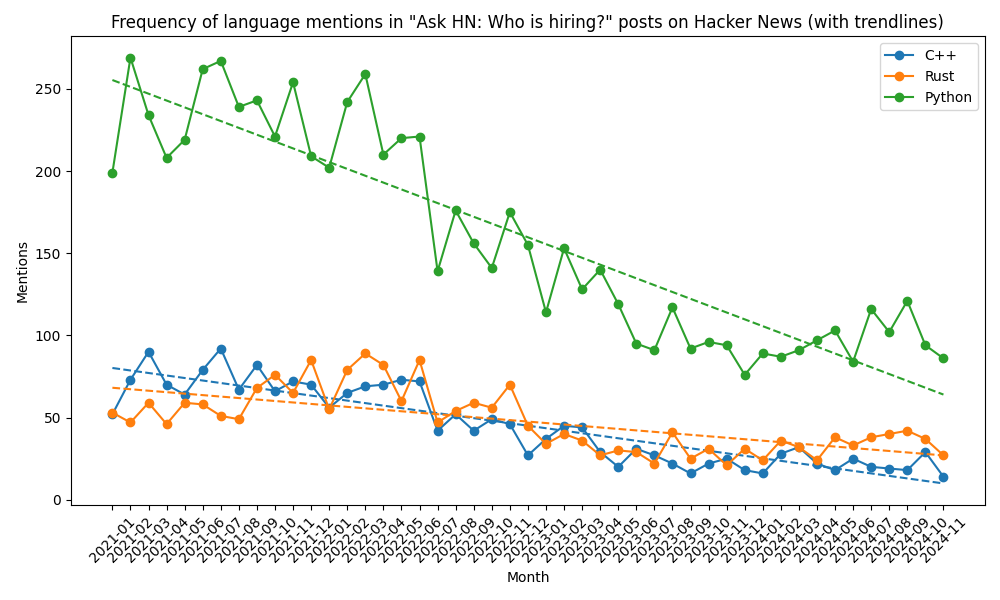
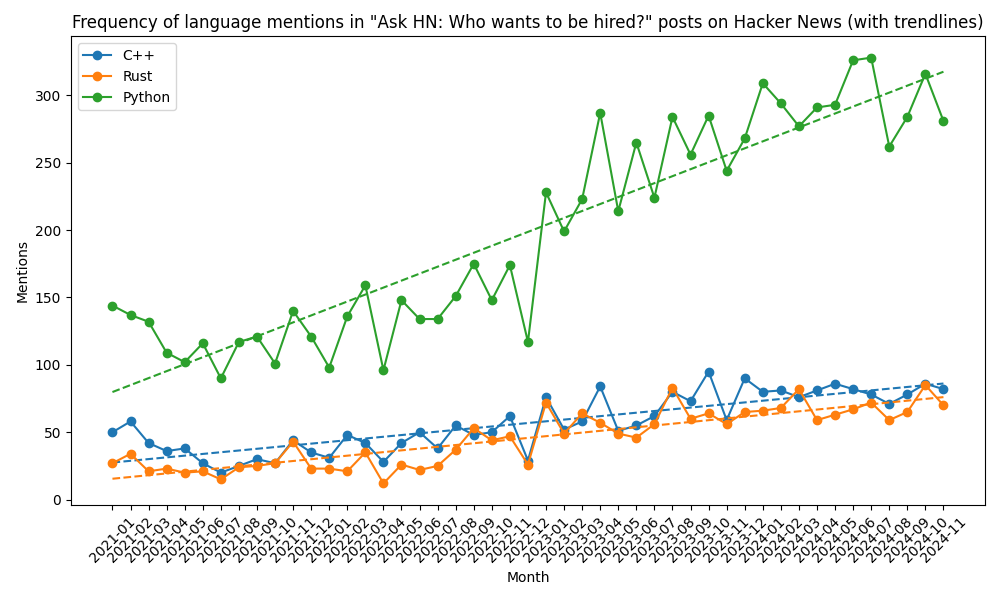
Interesting. What can we take away?
This was just a small experiment tapping into HN data to see how a few programming languages are trending. This question was more out of personal curiosity than anything else, since I enjoyed C++ for many years as a systems programming language for robotics, self-driving vehicles, sensors, computer vision, and medical devices. Python, on the other hand, has been my go-to language for machine learning and deep learning applications for several years. Today, when starting a new project, however, I usually start out in Rust, but may fall back to either Python or C++ depending on its nature.
Once you start looking at the data many more questions open up:
While programming on my Mac and converting decimal numbers to hex and binary and using Apple’s Calculator for it – because it is built-in and works decent – I thought, I saw some wobbly lines of numbers.
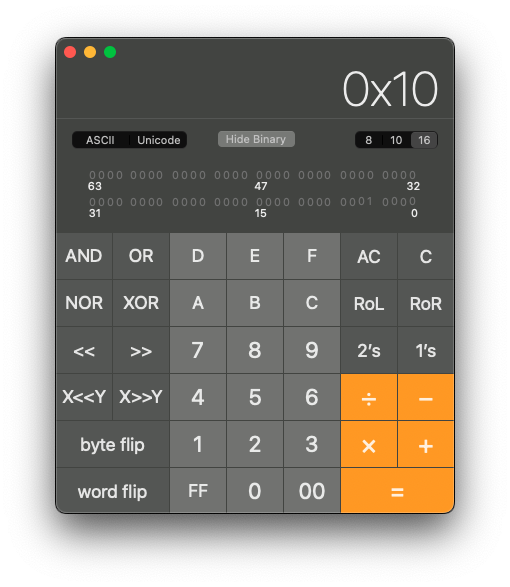
My first thought was: my eyes are getting tired. But it looked annoyingly wobbly and there went my focus on the task. I had to investigate, what was going on. I took a screenshot. Can you see it in the image above?
Let me highlight the annoying detail in the image below.
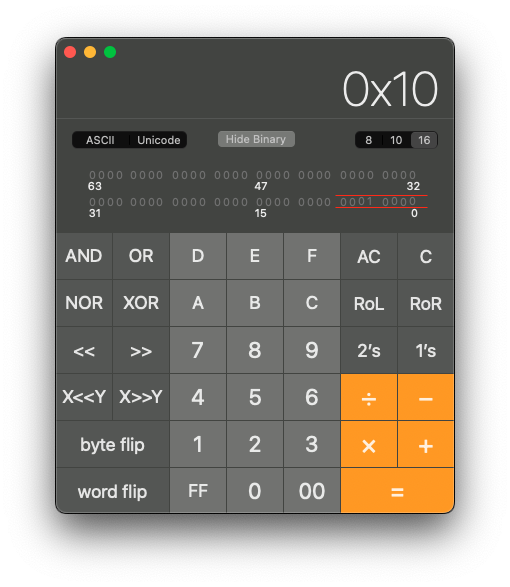
Maybe you are reading this on a tiny screen, or your eyes are tired, but also… I had to see it for myself. Here is a zoomed in version below:
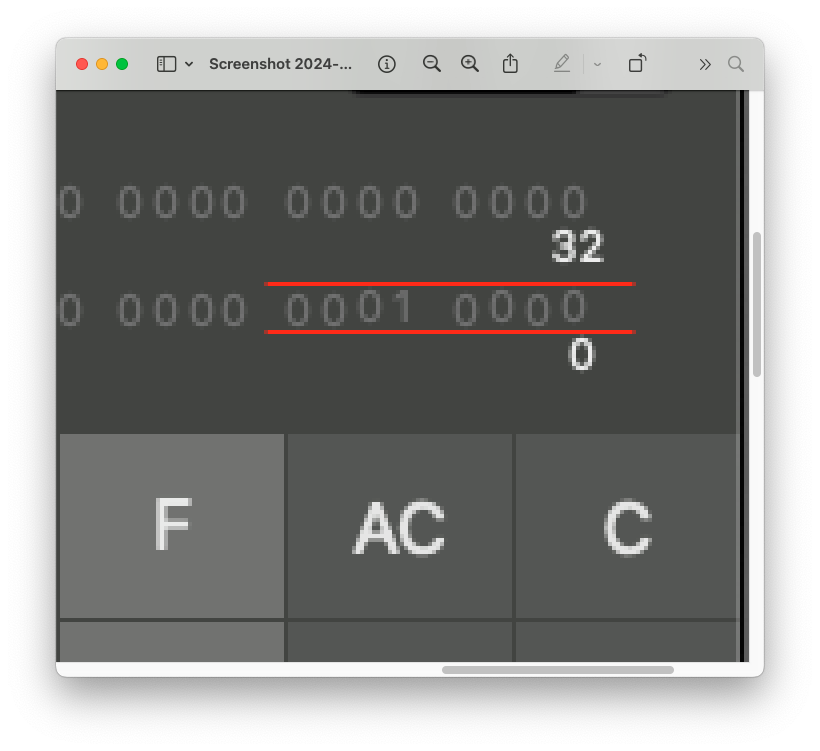
Yes, indeed! Some digits in the binary display section are off by one pixel. Nice anti-aliased rendering by the way, but still, why are some digits misplaced by a pixel?
How did this happen? I should add, the calculator app has been open for many days. Maybe the UI coordinate system is using floats and a rounding error aggregated over many days… I’d love to find out, but I guess I won’t. Anyways, at least my vision is not that bad.
I would contact Apple, if there was a feedback option, but there isn’t, so I won’t. Instead I’ll just share the bug on the Internet. Enjoy!
I just saw the Arc 7 series GPU at the Intel Innovation conference a couple of weeks ago. Today, I already got one in the mail. 😊 Thanks to the kind Intel team. Looking forward to test how it computes with common frameworks like tensorflow and PyTorch.

Assuming you have a dual boot system, a desktop with multiple drives. GRUB is setup to dual boot wither into Windows or into your Linux distribution. Now, one day, you change the drive configuration. You add or remove a drive or re-partition a disk. GRUB still comes up, but it fails to boot into your Linux distro. What can you do?
In GRUB press `c` to enter the console. Then search for the linux partition. Tab completion works very well.
grub> ls
(hd0) (hd0,gpt1) (hd1) (hd1,gpt1) (hd1,gpt2) (hd2)...
This displays the drives and their partitions. Iterate through the drives and show their contents with ls until you identify the drive which has the vmlinuz* and initrd* files. Again, the Tab completion is super helpful.
grub> ls (hd3,gpt2)/boot/Your drive configuration and partitions will likely look different. Once you identified the Linux partition boot into it by setting the root partition, linux kernel and init ramdisk followed by the boot command. Make sure you add the correct devicename as parameter for the linux kernel. Drive names are commonly /dev/sd?? (e.g. /dev/sda1, /dev/sdb1, /dev/sdb2, etc) or /dev/nvme?n?p? (e.g. /dev/nvme0n1p2). If you got the device wrong, you probably end up on the console and you can list the devicenames under /dev. Below is the example for my drive configuration.
grub> set root=(hd3,gpt2)
grub> linux /boot/vmlinuz-5.14.0-kali2-amd64 root=/dev/nvme1n1p2
grub> initrd /boot/initrd.img-5.14.0-kali2-amd64
grub> boot
Once booted into your linux distribution, you may want to update grub to detect your boot partitions and to rebuild your boot menu configuration.
# update-grubI was going to open up and post a picture of one package a day from the stack on my desk. 🙂 Today’s surprise are SMS Audio headphones: attendees of the Intel Developer Forum ’14 got these nice smart headphones with heart rate monitor in their christmas mail. Thank you, Intel!
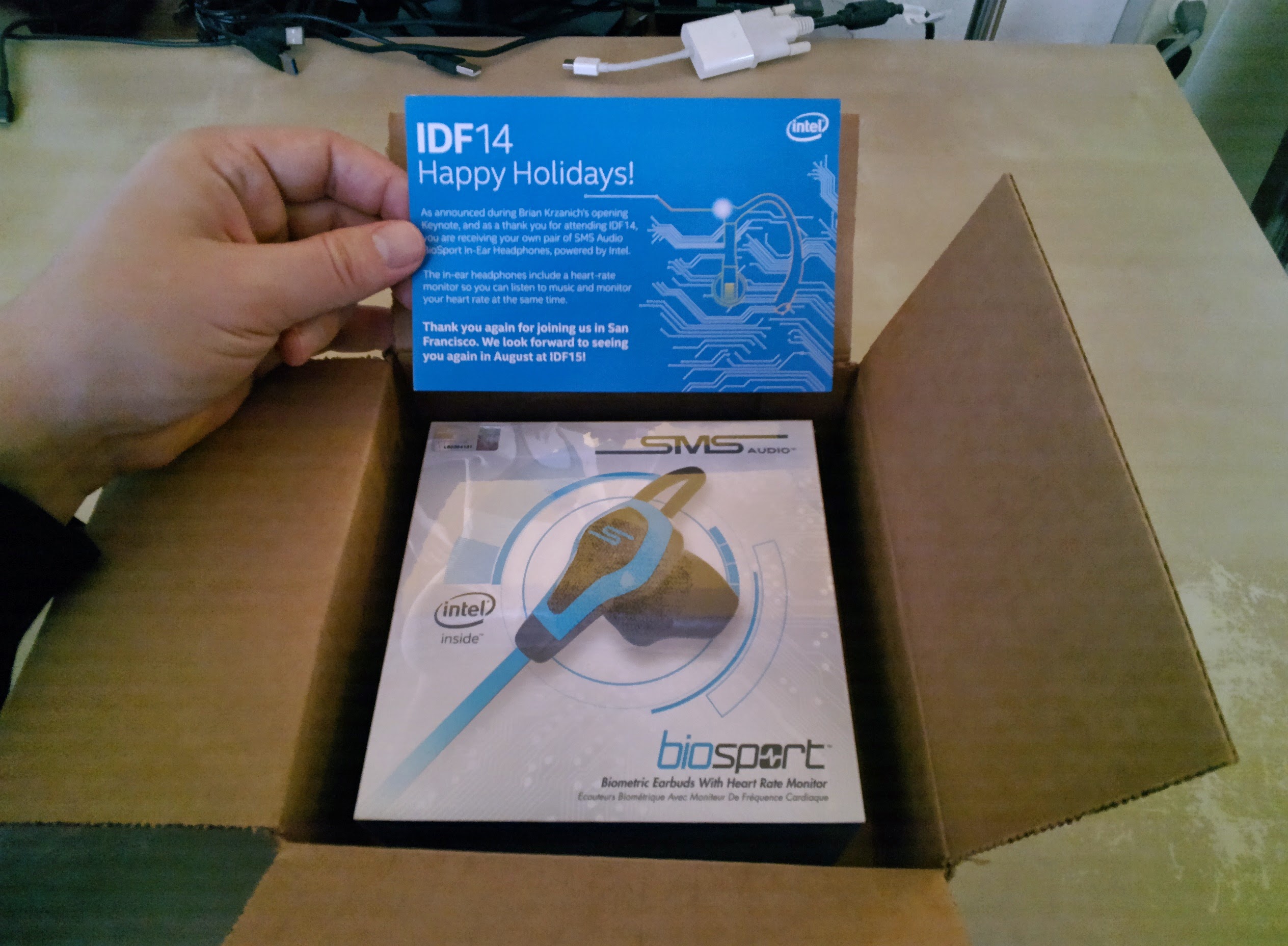
SMS Audio Smart Headphones
Earlier in 2014 I backed a kickstarter project and I was very excited, the project made the stretch goal to build lasers into these range finders. Today I opened up the box on my desk, that arrived recently and I am really excited to test out the range finders, their precision, and their usability for robotic applications. I will post updates with more info soon.
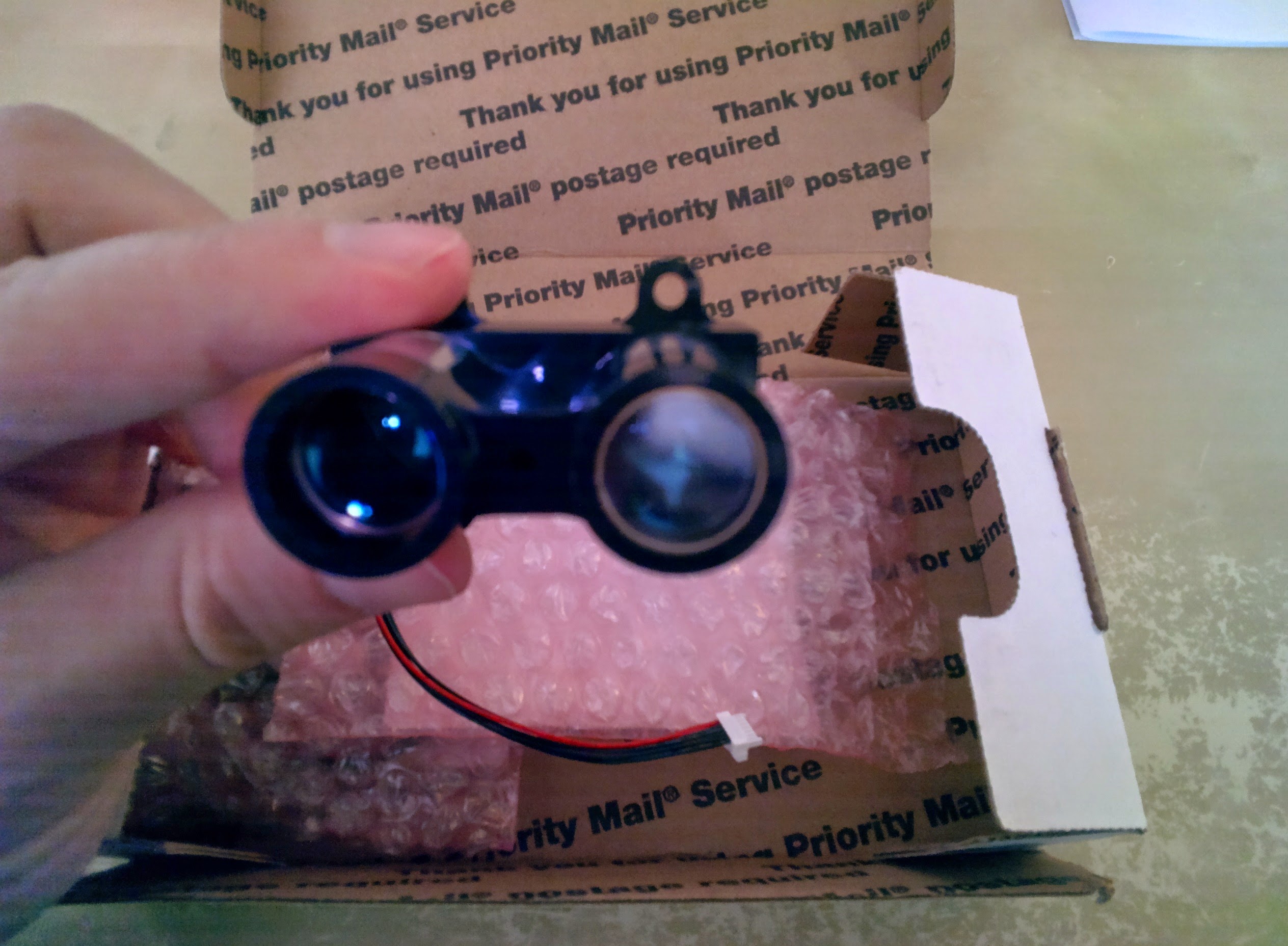
Lidar Lite
Today I feel very excited to be recognized by Intel as a member of the Intel Software Innovator Program. 😀

… a second christmas 🙂
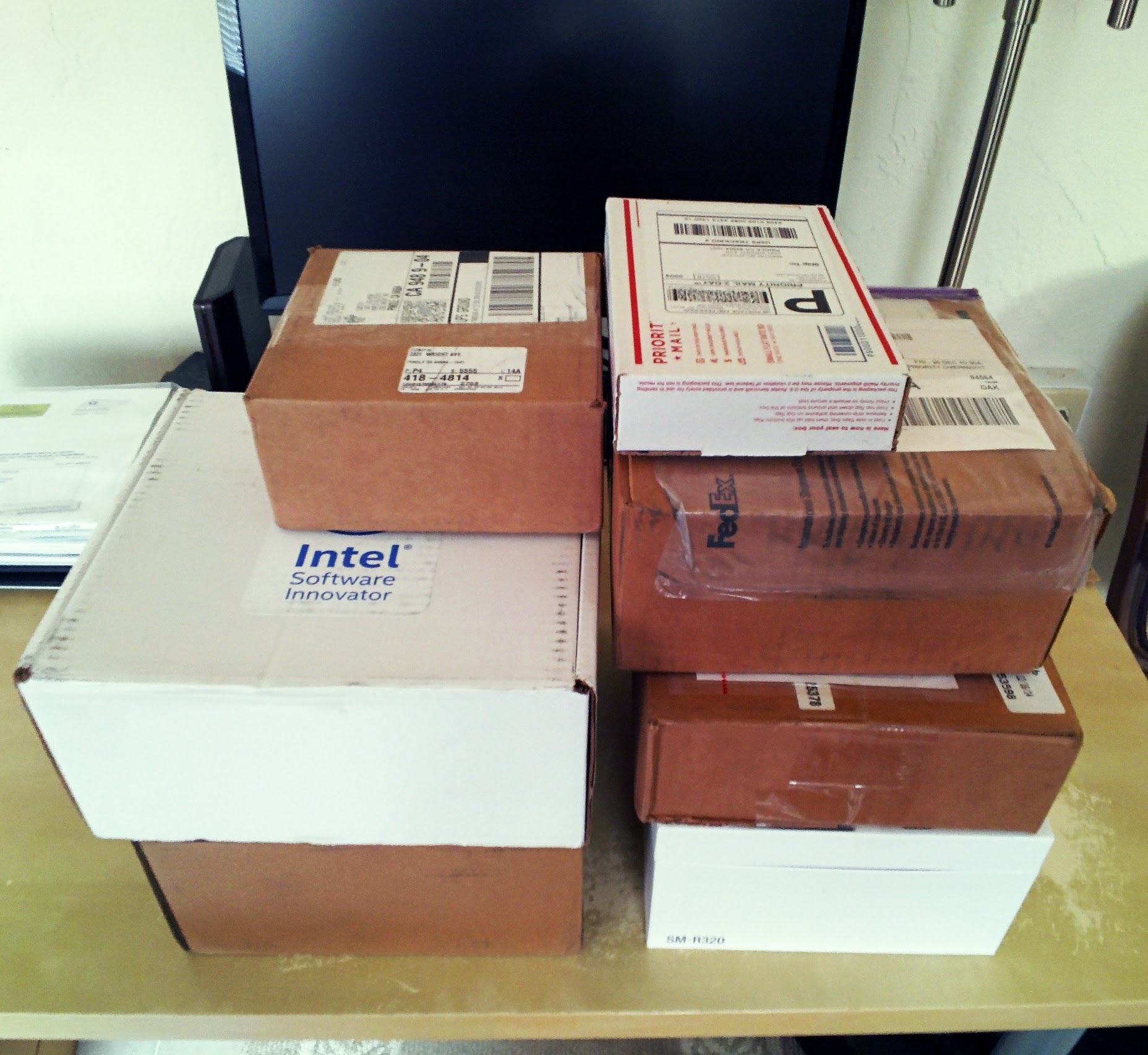
2nd xmas
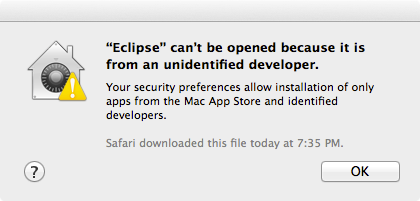
Eclipse sandboxed by Mac OS X Gatekeeper.
Problem: Eclipse (or other application) won’t launch in Mac OS X Mavericks.
Solution: delete extended quarantine attribute – which probably Safari or Finder added after the download. Enter the following command in the Terminal to allow Eclipse to launch.
$ xattr -d com.apple.quarantine eclipse.app
This way you can leave the sandbox in place and only add exceptions for applications, that you cannot live without. For further information on and graphical configuration options of Gatekeeper check out this Ars Technica article.